mlabbe/openspeedtest
-EXPIRED- Dockerfile to setup OpenSpeedTest server based on Alpine
1M+
mlabbe/openspeedtest repository overview


docker: OpenSpeedTest -EXPIRED-
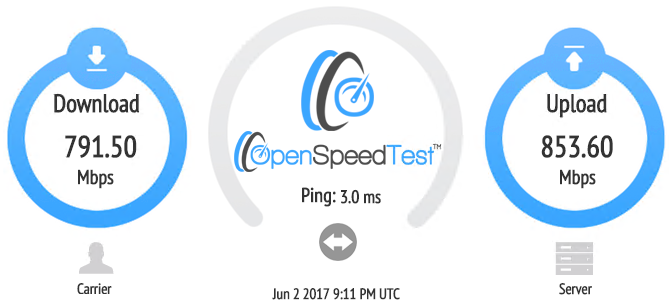
This is a Docker image to run nginx and an old iframe version of OpenSpeedTest application for benchmarking network performance.
It is no longer usable and will give you a Network Error when launching test.
There is no point in maintaning this image now that there is an official one (without iframe). Use the official OpenSpeedtest Docker image instead.
- Runs as non-root user
- Small image size
- Can be used to measure LAN, VPN or internet speed
- HTML5 (no Flash or Java)
- No client to install, works directly from Web Browser
Total size of this image is:

Pulling from Docker hub
If you want to obtain the image from Docker registry, you can use the following command:
docker pull mlabbe/openspeedtest
Running the image
In order to start the openspeedtest container, use the following:
docker run --restart=unless-stopped --name=openspeedtest -d -p 80:8080 mlabbe/openspeedtest
You can also use a different port if you want. You can keep the default built-in ports inside the container and just map them to different ports on the host, e.g.:
-p 8081:8080
At that point, you can use your Docker server as a SpeedTest server to begin benchmarking your network speeds, e.g.:
http://your_docker_host_ip
http://your_docker_host_ip:8081
Upgrading
Upgrading the application inside the Docker image is easy. Just pull the image again from Docker Hub, then stop/remove the container and create it again. It will download the newer zip file while rebuilding:
docker pull mlabbe/openspeedtest
docker stop openspeedtest
docker rm openspeedtest
docker run --restart=unless-stopped --name=openspeedtest -d -p 80:8080 mlabbe/openspeedtest
Tag summary
Content type
Image
Digest
Size
163.3 MB
Last updated
about 7 years ago
docker pull mlabbe/openspeedtest