andrianey/adguardhomedotdoh
AdGuardHome, Unbound + Valkey for caching, dnsproxy as DoT DoH resolver & non-root option.
10K+
andrianey/adguardhomedotdoh repository overview
AdGuard Home with DoH/DoT Support
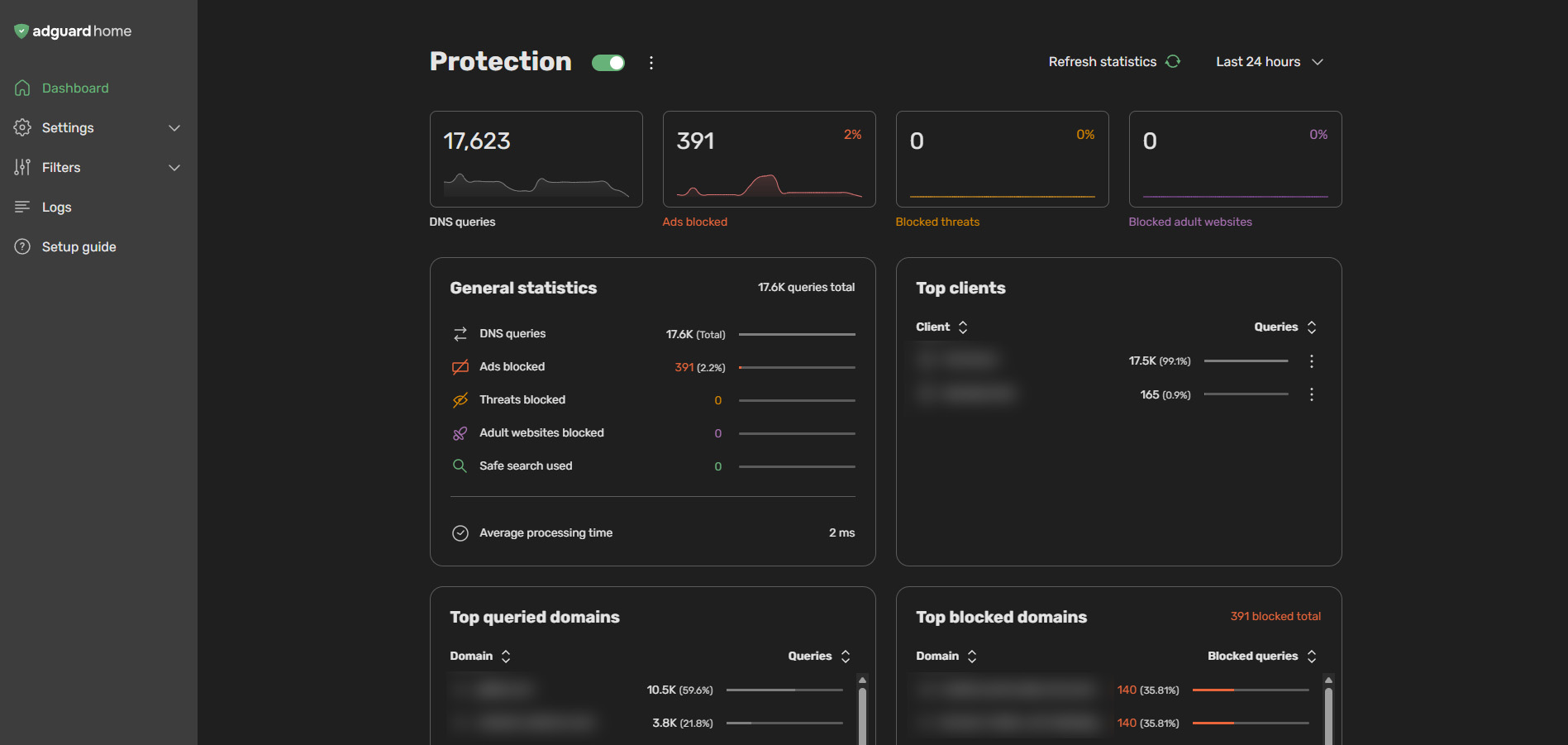
This project provides a custom Docker image for AdGuard Home pre-configured with Unbound (as a recursive DNS resolver) with Valkey in-memory cache (Redis replacement), and dnsproxy (for unified DoH/DoT upstream handling).

Available Image Tags
| Tag | AdGuardHome | Unbound | dnsproxy | Image Size | Description |
|---|---|---|---|---|---|
latest |  |  |  |  | Standard security level. Image running on Alpine Linux as root. Lightweight and stable. |
latest-wolfi | |  |  |  | Enhanced security level. Built with Wolfi for a distroless image. |
hardened |  | |  |  | High security level. Non-Root execution on Alpine Linux. Runs as adguard user with libcap capabilities built from source for fewer CVEs. |
hardened-wolfi | | | |  | Maximum security level. Wolfi base + Non-Root execution built from source for fewer CVEs. |
Quick Start (Hardened Images)
The hardened and hardened-wolfi images use a Hybrid Setup Mode unless you bind an existing AdGuardHome configuration.
- First Run: The container starts as Root to allow you to complete the AdGuard Home "Get Started" wizard (which requires root).
- Setup: Access
http://localhost:3000and finish the setup. - Restart: You MUST restart the container after setup.
- Runtime: On the second boot, it automatically drops privileges and runs as the non-root
adguarduser.
Docker Compose
services:
  adguardhome:
    # Choose your preferred tag: 'latest', 'latest-wolfi', 'hardened', or 'hardened-wolfi'
    image: andrianey/adguardhomedotdoh:latest
    container_name: adguardhome
    hostname: adguardhome
    restart: unless-stopped

    networks:
      adguard_net:
        ipv4_address: 172.172.0.2

    healthcheck: # Optional
      test: ["CMD", "nc", "-z", "-w1", "127.0.0.1", "53"]
      interval: 30s
      timeout: 5s
      retries: 3
      start_period: 15s

    environment:
      - TZ=Asia/Jakarta # Set your timezone
      # Optional: Custom DNS Proxy Settings
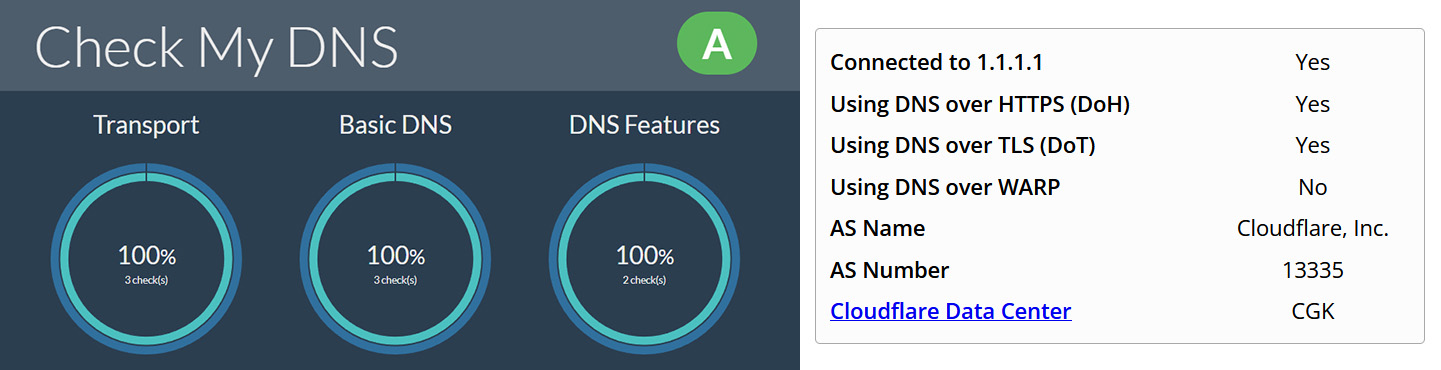
      # - DNSPROXY_UPSTREAM=tls://1.1.1.1 tls://1.0.0.1 https://1.1.1.1/dns-query https://1.0.0.1/dns-query # Custom Upstreams
      # - DNSPROXY_FLAGS=--upstream-mode=parallel --cache --cache-optimistic --cache-size=4194304 --cache-min-ttl=600 # Custom Flags

    ports:
      # DNS
      - "53:53/tcp"
      - "53:53/udp"
      - "853:853/tcp"
      - "853:853/udp"
      # Web & DoH
      - "80:80/tcp"
      - "443:443/tcp"
      - "443:443/udp"
      - "3000:3000/tcp"
      # DHCP
      - "67:67/udp"
      - "68:68/udp"

    volumes:
      # Core AdGuard Home Data for persistent configuration
      - /opt/adguardhome/conf:/opt/adguardhome/conf
      - /opt/adguardhome/work:/opt/adguardhome/work
      # Mount custom SSL certificates to resolve over public address https://localhost/dns-query
      # - /opt/adguardhome/certs:/opt/certs

      # Optional: Custom Config Overrides
      # - /opt/adguardhome/unbound/unbound.conf:/etc/unbound/unbound.conf

networks:
  adguard_net:
    driver: bridge
    ipam:
      config:
        - subnet: 172.172.0.0/24
Environment Variables
You can customize the dnsproxy configuration using environment variables in your docker-compose.yml:
| Variable | Default | Description |
|---|---|---|
DNSPROXY_UPSTREAM | Cloudflare DoT/DoH | Space-separated list of upstream servers (e.g., tls://1.1.1.1 https://1.1.1.1/dns-query). |
DNSPROXY_FLAGS | --verbose | Additional flags for dnsproxy (e.g., --cache-optimistic). |
Internal Components
The image comes pre-configured with the following services running internally:
| Component | Internal Port | Description |
|---|---|---|
| Unbound | 127.0.0.1:5335 | Recursive resolver with DNSSEC validation + Valkey Cache. |
| dnsproxy | 127.0.0.1:8053 | Upstream DoH/DoT proxy (replaces Stubby/Cloudflared). |
Configuration
AdGuard Home Upstream DNS
The architecture is designed to chain requests:
Client -> AdGuard Home -> Unbound -> Valkey Cache -> dnsproxy -> Configured upstreams (DoH, DoT, DoQ and DNSCrypt support)
Configure Settings -> DNS settings with:
-
Upstream DNS servers:
127.0.0.1:5335 -
Verify:
- Click "Test upstreams" to ensure connectivity.
- Cache size: You may set this to
0in AdGuard Home to rely on Unbound's efficient caching paired with Valkey.
Hardening features
The hardened tags implement best practices for container security:
- Non-Root User: Runs as a dedicated
adguarduser (UID 1000). - Capabilities: Uses
libcapto bind to privileged ports (53, 80) without full root access. - Minimal Base: Wolfi edition offers a software supply chain secure base image.
- Permission Fixer: The entrypoint automatically corrects permissions on mounted volumes.
Note: Since the process runs as UID 1000, ensure your host volumes are writable by this user or let Docker automatically handle the ownership (which the entrypoint facilitates).
Tag summary
Content type
Image
Digest
sha256:56884af5a…
Size
35.9 MB
Last updated
17 days ago
docker pull andrianey/adguardhomedotdoh